Heads of school
Enrollment, attendance and tuition at a glance. Roles and permissions you control, with an audit trail behind every sensitive change.
For small and mid-sized private schools
Enrollment, attendance, grades and report cards, family messages and tuition — together in one place your staff will actually enjoy using, and families can open on any phone.
One portal instead of
See it in action
Designed around the way heads of school, office managers and teachers at small private schools actually work — so every screen answers the question in front of you, without a training manual.
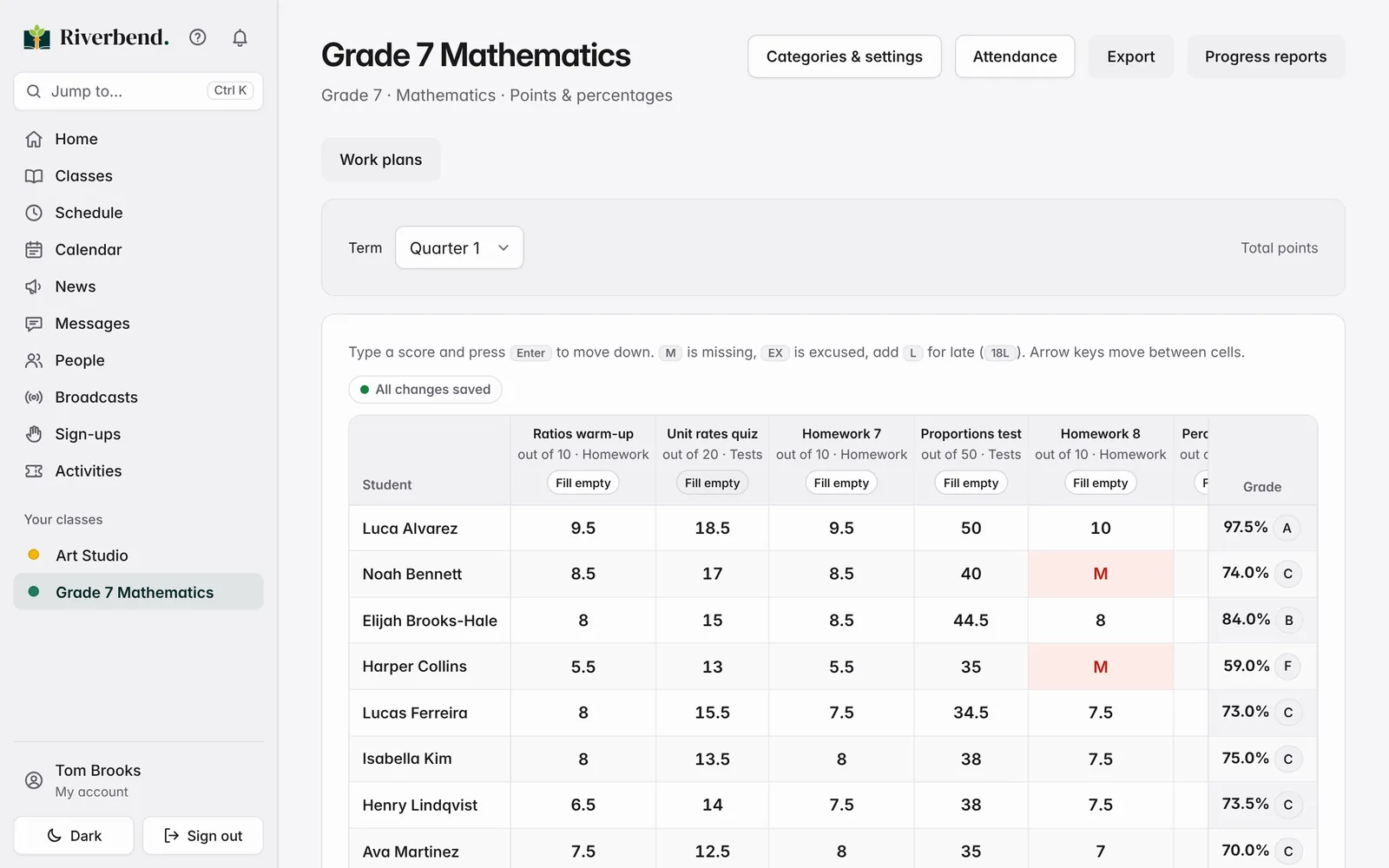
A fast gradebook — points or standards-based — that turns into report cards and transcripts with weighted GPA. Families only see grades once you release them.
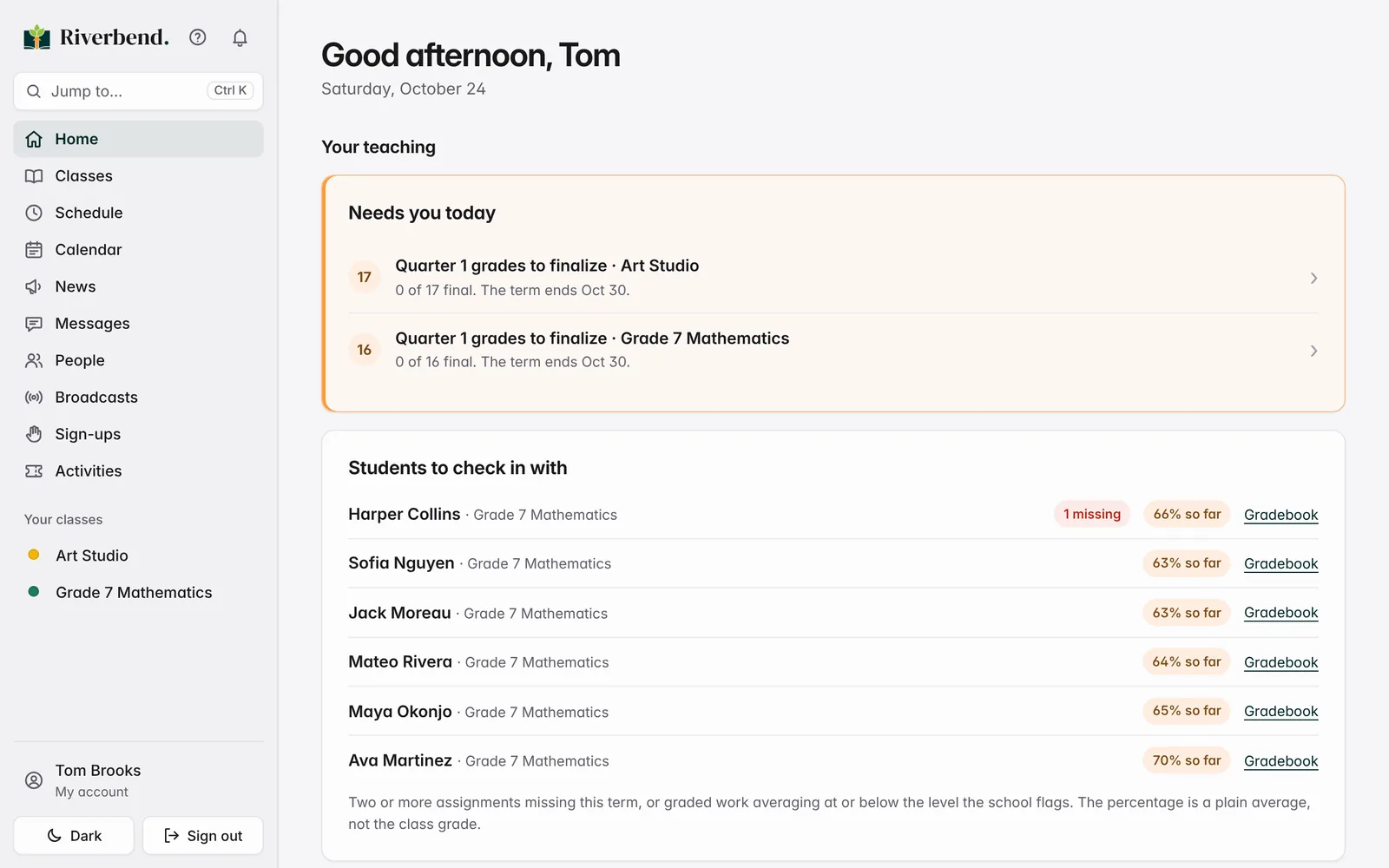
Home tells each teacher what needs them today: attendance to take, grades to finalize, and the students who need a check-in.
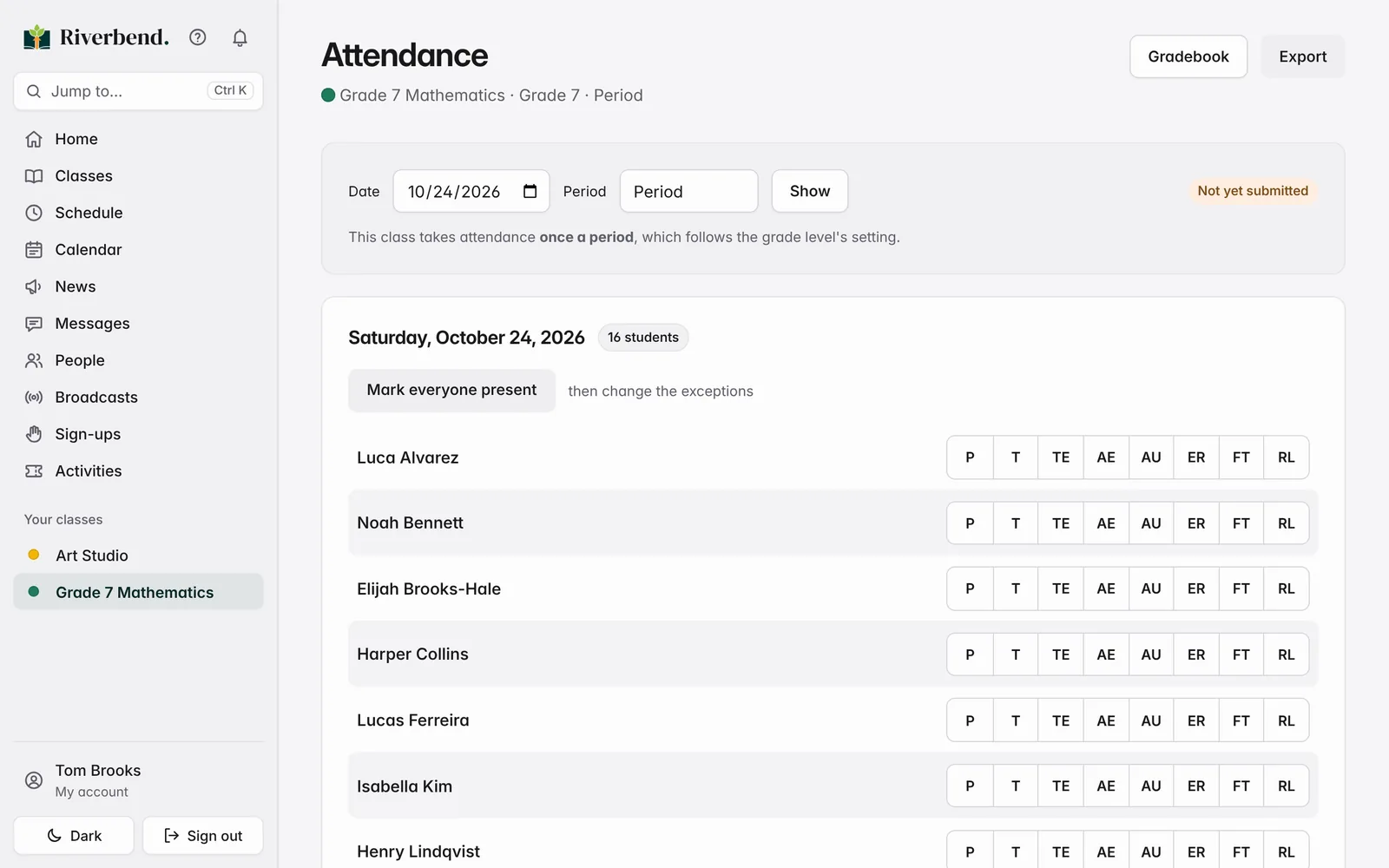
Take attendance in seconds. Families hear about absences right away, parent-reported absences arrive pre-filled, and a front-door check-in station handles late arrivals and pickups.
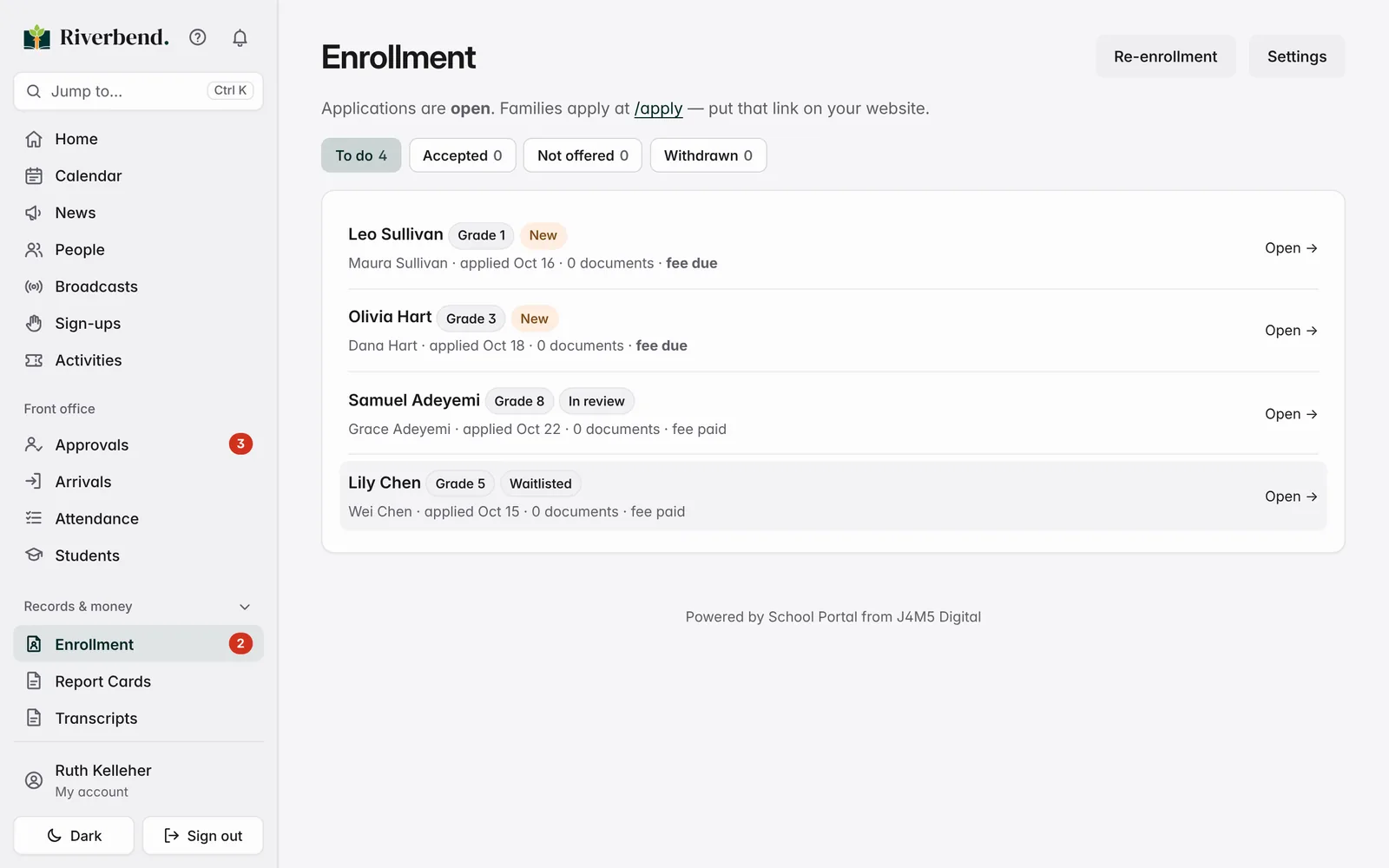
Families apply online, upload documents and pay the fee. Accept with one click, and the student and parent accounts are created for you.
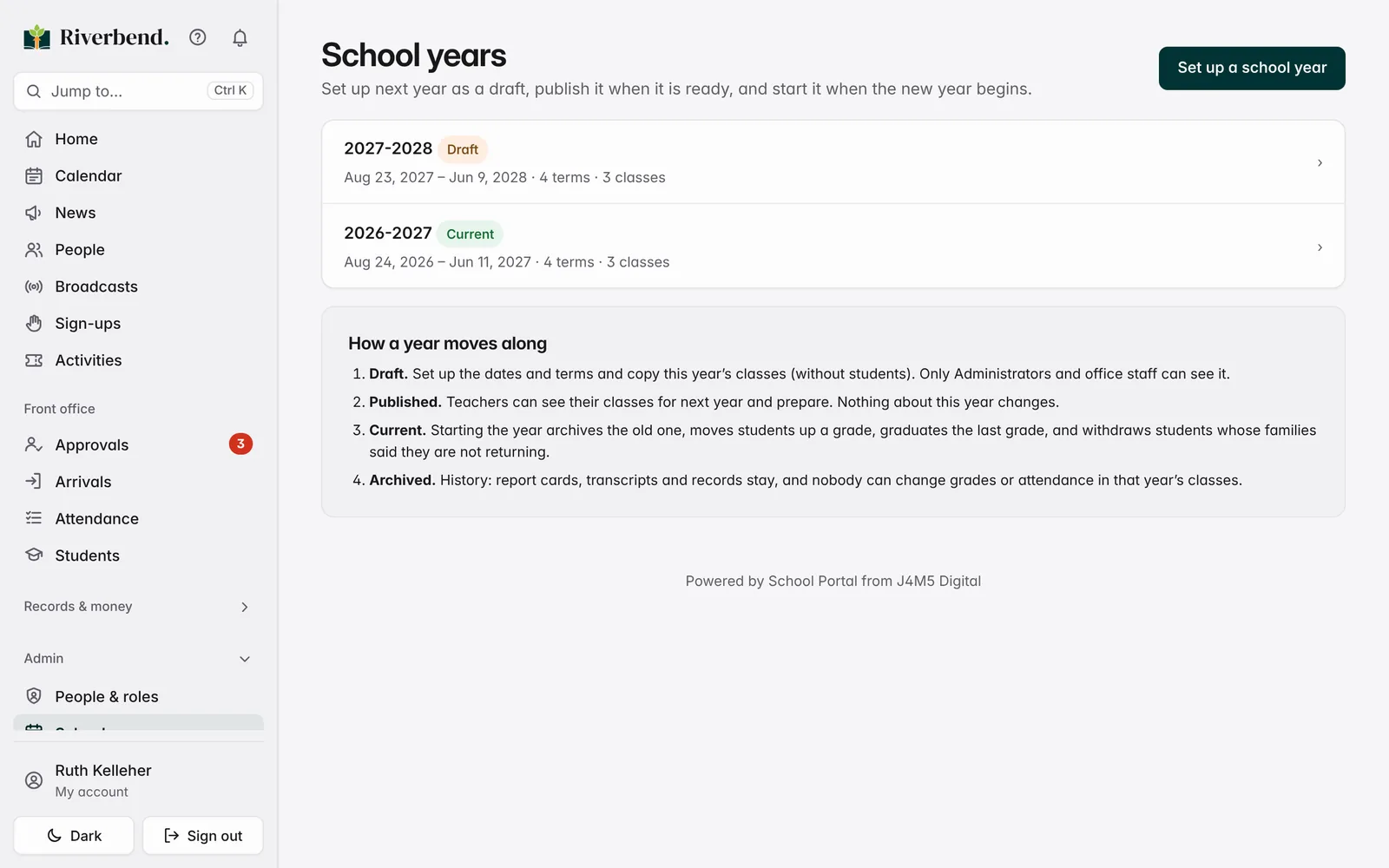
Set next year up as a draft, publish it to teachers, and start it in one step: students move up a grade, seniors graduate, and last year is archived safely.
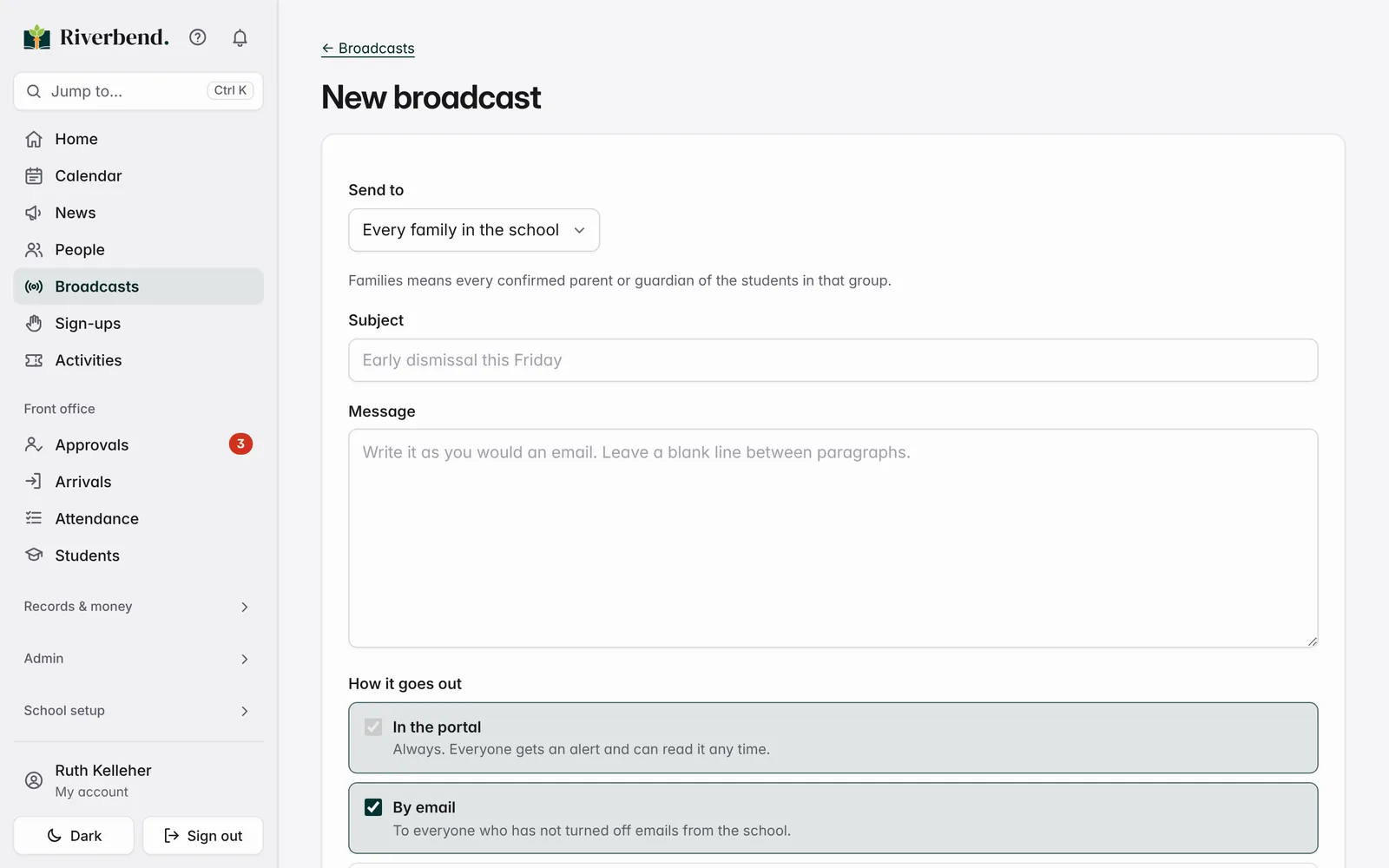
Reach every family, a grade or a class — in the portal, by email, and by text for parents who opt in — and see exactly who read it.
Made for everyone at your school
Enrollment, attendance and tuition at a glance. Roles and permissions you control, with an audit trail behind every sensitive change.
Approvals, arrivals, students, billing and enrollment in one place. Add a student with parents and classes in a single form.
A keyboard-fast gradebook, one-tap attendance, assignments families can see, and private messages with parents.
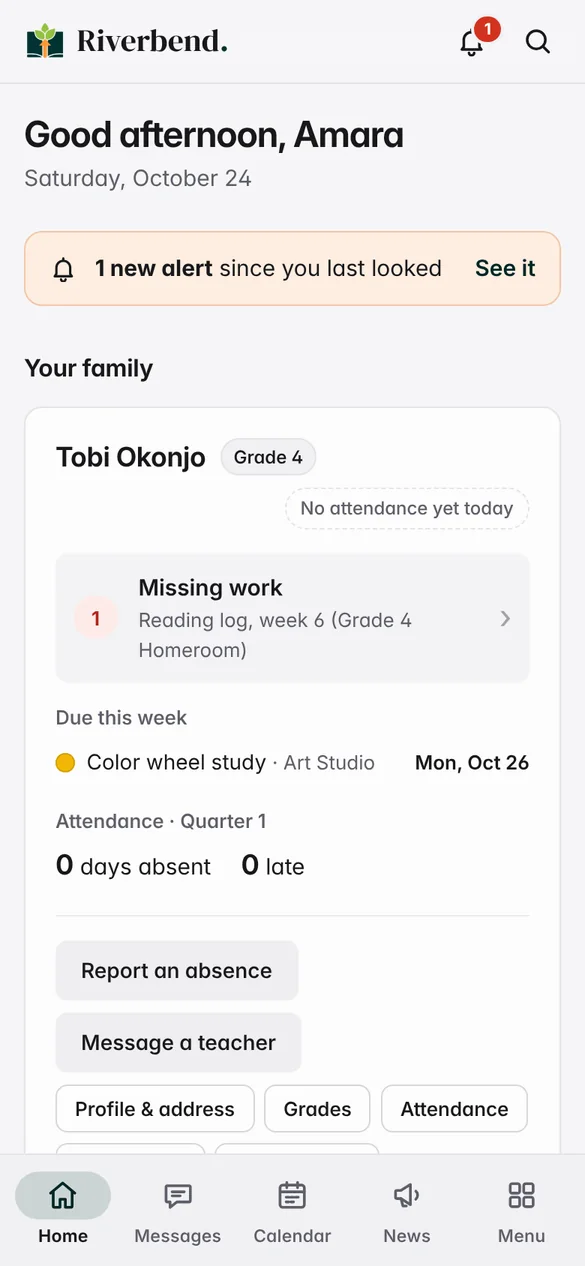
Every child on one Home screen: attendance, work due, grades, schedule, messages and anything owed — on any phone.
Everything included
Points and weighted categories, or standards-based grading with your own mastery scales.
Term and year report cards with comments, plus high school transcripts with weighted and unweighted GPA.
Class attendance, family absence reports, and a tablet check-in station with approved pickup lists.
Applications, documents and fees online, plus yearly re-enrollment so you know who is coming back.
Charges, payment tracking and secure online payments by card or bank transfer through Stripe.
Private parent–teacher messages, a school newsfeed with polls and photos, and email or text broadcasts.
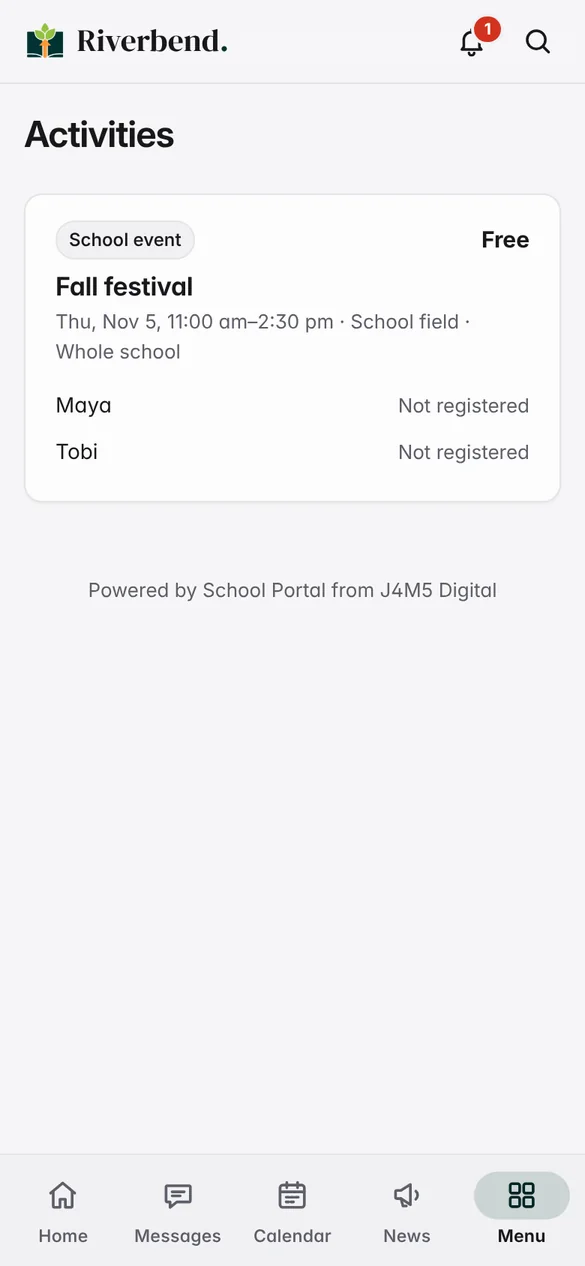
Field trips with permission slips, waitlists and payment; volunteer sign-up sheets anyone can join.
Bell schedules including rotating A/B days, timetables for everyone, and a shared school calendar.
Draft next year early, then promote students, graduate seniors and archive the old year in one step.
Record Step Up For Students and other scholarship funding for each student, with a full audit trail.
Your school’s name, logo and colors throughout, with light and dark mode built in.
Families request accounts and the office approves them; Google sign-in when you want it.
For families
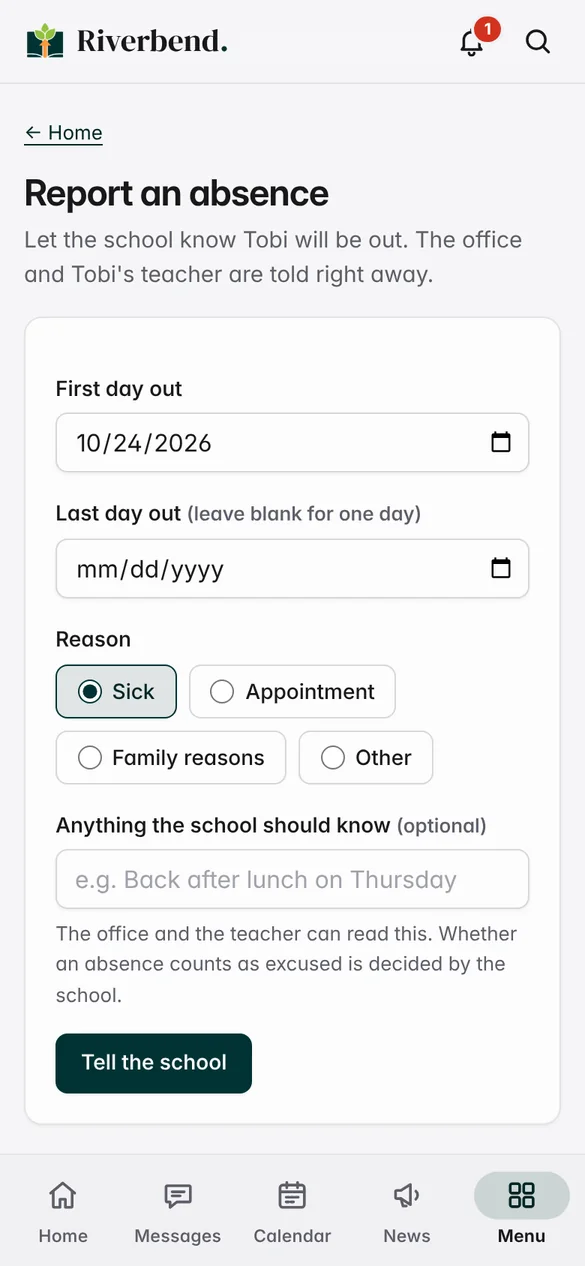
One Home screen for every child: today’s attendance, missing work, what’s due this week, new grades and anything owed. Report an absence in three taps, register for the field trip, sign the permission slip and pay — no paper, no app to download.
Built around student privacy
Pricing
Billed annually. Every plan includes the full student information system and support.
Up to 50 students
$1,440/ year
About $120 a month
Everything a small school needs to run day to day.
51–150 students
$2,380/ year
About $198 a month
All of Micro, plus enrollment and automation.
151–350 students
$3,960/ year
About $330 a month
All of Standard, for larger teams.
351–600+ students
$5,880+/ year
About $490 a month
All of Mid-Sized, with people on your side.
We set your school up with you, so you start with your data, your branding and a trained team.
Database setup, logo and branding, and a staff training session.
Student data imported from your CSV or Excel files, template setup, and staff training.
Getting started
A 30-minute walkthrough focused on what matters to your school.
Your branding, classes and student records imported, and your staff trained.
Parents get an email, set a password, and see their children right away.
Questions
No. School Portal works in any phone or computer browser, and families can add it to their home screen so it opens like an app.
Yes. Your school’s name, logo and colors appear throughout, for staff and families alike. School Portal’s own name appears only as a small credit at the foot of the page.
Yes — and traditional points too. Each grade level can use either, with your own mastery scales, letter-grade cutoffs and report card comments.
Yes, by card or bank transfer through Stripe, on Stripe’s secure checkout page. Stripe’s standard per-transaction fees apply; you can also record cash and checks.
Yes. Onboarding for mid-sized schools includes importing your student data from CSV or Excel, and smaller schools can start fresh or import too.
You prepare next year as a draft whenever you’re ready. When the new year starts, students move up a grade, seniors graduate, families who said they aren’t returning are withdrawn, and last year is archived with every record kept.
Our Help Center has step-by-step guides for every role, and our team answers by email, usually the same business day. Enterprise plans include priority phone and live support.
Request a demo
Tell us a little about your school and we’ll set up a short, friendly walkthrough — no pressure, no long sales process.
Prefer email? support@j4m5.com